

Reports Dashboard
Overview
The Reports dashboard lets you download exportable, real-time reports on participant activity, rankings, registrants, purchases, and more. These go beyond the publicly available live leaderboards.
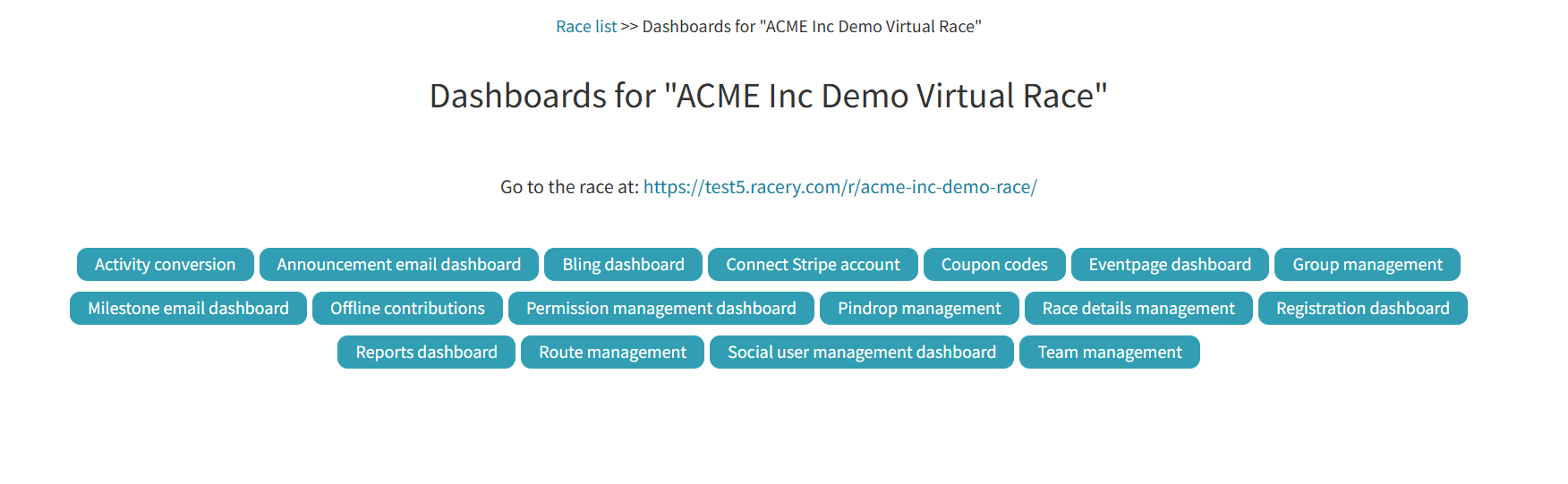
Available Reports
Select a report type from the dropdown:
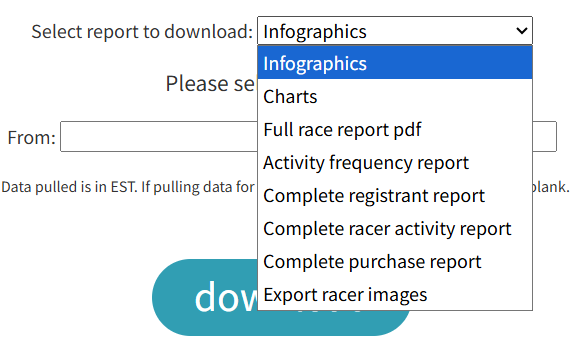
| Report | What it contains |
|---|---|
| Infographics | Visual summary of race highlights and key stats |
| Charts | Graphical data visualizations of race activity |
| Full race report PDF | Comprehensive PDF covering all race metrics |
| Activity frequency report | How often and when racers log activities |
| Complete registrant report | Full list of registered participants with details |
| Complete racer activity report | Individual activity logs for every racer |
| Complete purchase report | All registration purchases and transactions |
| Export racer images | Bulk download of racer-uploaded photos |
Date Filtering
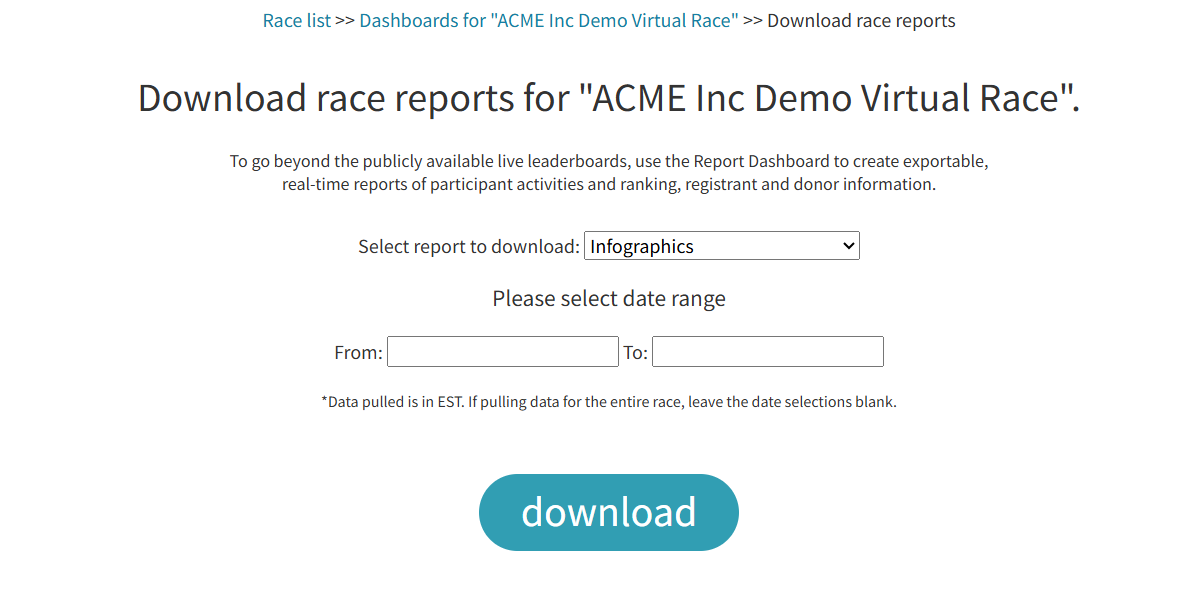
Set From and To dates to filter the report to a specific time window. Leave both fields blank to pull data for the entire race.
Note: All data is pulled in EST timezone.
Next Steps
Leaderboards
The public-facing live leaderboards racers see.
Activity Conversions
Configure which activities racers can log.
Sponsor Dashboard
Overview of all available dashboard tools.
Contact support if you have questions.